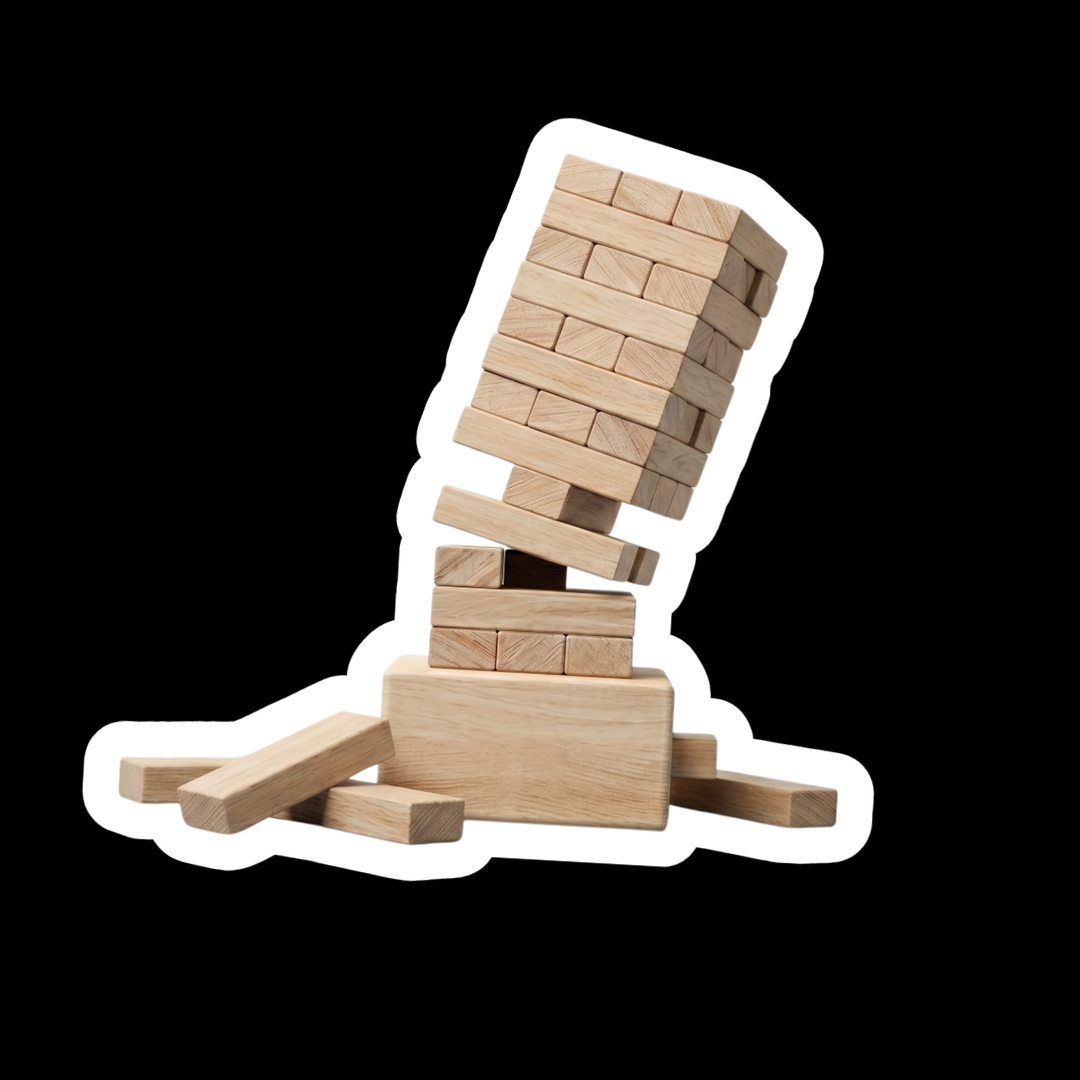



A new website is one of the most significant investments a business can make. Whether driven by rapid growth, a platform that has outgrown itself, or simply a desire for a fresher look, a rebuild is an exciting project. But while most businesses are focused on design and functionality, there is a critical risk that often gets left off the agenda.
A poorly planned website migration can destroy your search engine visibility.

What exactly is the danger?
Google has spent years studying your business. It has crawled every page, indexed every URL, and built up a detailed picture of who you are and what you offer. That accumulated knowledge is what allows it to confidently recommend your site for the searches that matter most to you.
When URLs change, content is removed, or a site is restructured without the right groundwork in place, Google does not see a refreshed version of your site. It sees a different website entirely. The history and authority your old site spent years building does not automatically transfer.
To make matters worse, the damage rarely shows up straight away. Rankings often hold for several weeks after launch, creating a false sense that everything is fine. By the time the decline becomes visible, you could be looking at months of recovery work, sometimes longer.

The issue that can wipe you from Google overnight
Before we get to the more typical migration problems, there are a number of catastrophic technical errors which are so easy to miss, that they deserve to be addressed first and it’s something we see more often than you would expect.
A ‘noindex’ tag left over from the development site. A robots.txt file that was set to block crawlers during the build and never switched off. Development URLs still sitting in the sitemap and in internal links. Individually, these sound like minor oversights. In practice, any one of them can remove your entire site from search results overnight.
These are not difficult fixes. They are just easy to miss when everyone is focused on how the site looks rather than how a search engine will read it. A pre-launch technical checklist, reviewed by someone who lives and breathes SEO, is the only reliable way to catch them before they cause damage. It’s exactly the kind of check our SEO services carry out before every migration we manage.

The issues we see most often
Changed URLs without redirects
Of all the migration issues we encounter, this is the most common. When a URL changes and nothing is done to bridge the gap, users clicking old links land on a 404 error. Google sees the same thing, and to a search engine, a 404 does not mean “this page has moved.” It means “this content no longer exists.” Any authority that page had built up is abandoned and with it, ranking position.
301 redirects solve this. They tell Google exactly where a page has moved to, passing its history and ranking power, for the most part, across to the new URL. Think of it as leaving a forwarding address when you move house. There will still be a short settling-in period, but performance typically recovers quickly when redirects are handled correctly. P.s. don’t just redirect everything to the homepage and call it quits. This is considered a soft 404 and doesdous not pass the value back to the site.
Broken internal link structures
While new URL redirects often get attention, internal linking is where migrations quietly fall apart. A rebuild almost always reshuffles the site structure, and internal links pointing to old URLs that no longer exist create chains of errors that dilute the authority flowing between your pages.
Even where redirects exist, chains of redirects, where page A redirects to B which redirects to C, bleed ranking power with each hop. Internal links should point directly to the final destination URL. This needs to be audited as part of the build, not discovered afterwards in a crawl report.
Content changes made without data
A new site almost always comes with a content refresh, and that is not a problem in itself. The problem is when pages are cut, merged, or rewritten based on how they look rather than how they perform. A page that seems outdated might be quietly driving a significant chunk of your organic traffic. Removing or thinning it out without understanding its value is a risk that simply does not need to be taken. Any content decisions should be informed by data, not design preferences.
Structured data wiped during the rebuild
Structured data, the schema markup that helps Google understand what your content is, whether that’s a product, a review, business info, or a service, is routinely lost in migrations. It rarely makes it onto the development checklist. The result is that rich snippets disappear from search results, click-through rates drop, and no one connects the decline back to what happened at launch. It should be audited before the old site is retired and reinstated as a priority on the new one.
Site speed and Core Web Vitals
Google uses Core Web Vitals, measurements of how fast and stable a page feels to a real user, as a ranking factor. A new build that is visually impressive but poorly optimised can easily perform worse than the site it replaced. Uncompressed images, render-blocking scripts, and slow server response times all contribute. Speed should be tested across device types before launch, not treated as a post-launch polish item.

How to prevent a disaster: benchmarking before anything moves
The most important step in any migration is building a baseline before a single URL changes. Without it, you have no way to detect problems early or prove the impact of decisions made during the build.
A proper baseline includes:
- Google Search Console data: your top-performing queries, the pages they land on, impressions, click-through rates, and average position across the searches that matter to your business.
- Top landing pages by organic traffic: which pages are doing the real work, ranked by visits from search, not by how important you think they are.
- A full crawl of the existing site: every URL, its status code, its metadata, its internal linking, and its indexation status. This becomes your map for redirect planning.
- Keyword visibility: the search terms you currently rank for, particularly those in positions 1–20 where small drops have the most commercial impact.
This is where most migrations go wrong. Developers are experts in building websites, not in how search engines interpret them. When SEO is not part of the conversation from the beginning, critical details get missed and are often only discovered after the new site is already live.

What to do after launch
A successful go-live is not the end of the migration, it is the start of the monitoring period. The weeks immediately after launch are when problems surface, and catching them early is the difference between a quick fix and a prolonged recovery.
In the first four weeks, you should be watching for:
- Coverage errors in Google Search Console, pages being flagged as noindexed, excluded, or crawled but not indexed
- Traffic drops on specific pages or sections, compared against your pre-launch baseline
- Keyword position changes for your highest-value terms
- Crawl errors and broken links flagged by monitoring tools

If things do go wrong: what recovery actually looks like
Recovery timelines vary significantly depending on what went wrong and how quickly it was caught. As a rough guide:
- Technical issues caught within days of launch (noindex tags, robots.txt blocks): typically resolved within two to four weeks once fixed, as Google recrawls the site.
- Redirect issues identified within the first month: one to three months for rankings to restabilise, depending on the volume of affected pages.
- Content that was removed or significantly thinned: three to six months, and only if the content is restored or properly replaced with something of equivalent depth.
- Migrations where the problems ran deep and went undetected for months: recovery can take six to twelve months or longer, and in some cases, full recovery to pre-migration levels is never achieved.
The window to get this right is before launch. Every week of delay in identifying and fixing a problem extends the recovery timeline.
If things do go wrong: what recovery actually looks like
The businesses that come through a migration with their rankings intact share one thing in common: they brought SEO into the process early, not as an afterthought at the end.
If things do go wrong: what recovery actually looks like
By the time a new site is live and rankings are falling, you are already in damage limitation mode. Recovery costs more, takes longer, and rarely gets you all the way back. The conversation that prevents this takes an hour. The recovery from skipping it can take a year.
Get in touch with our team before the build begins. That conversation, early enough, changes everything.

Words by: Ross Brown
Ross Brown is a Strategic SEO Specialist focused on developing long-term search strategies that drive sustainable growth. Ross shares insights on technical SEO, organic search performance and effective digital marketing practices.